

Image Background Remover
Instantly separate the subject from its background with the AI Background Remover, creating a clean cutout ready for any creative or commercial use.
Image Background Remover
Click to upload the image file
Example
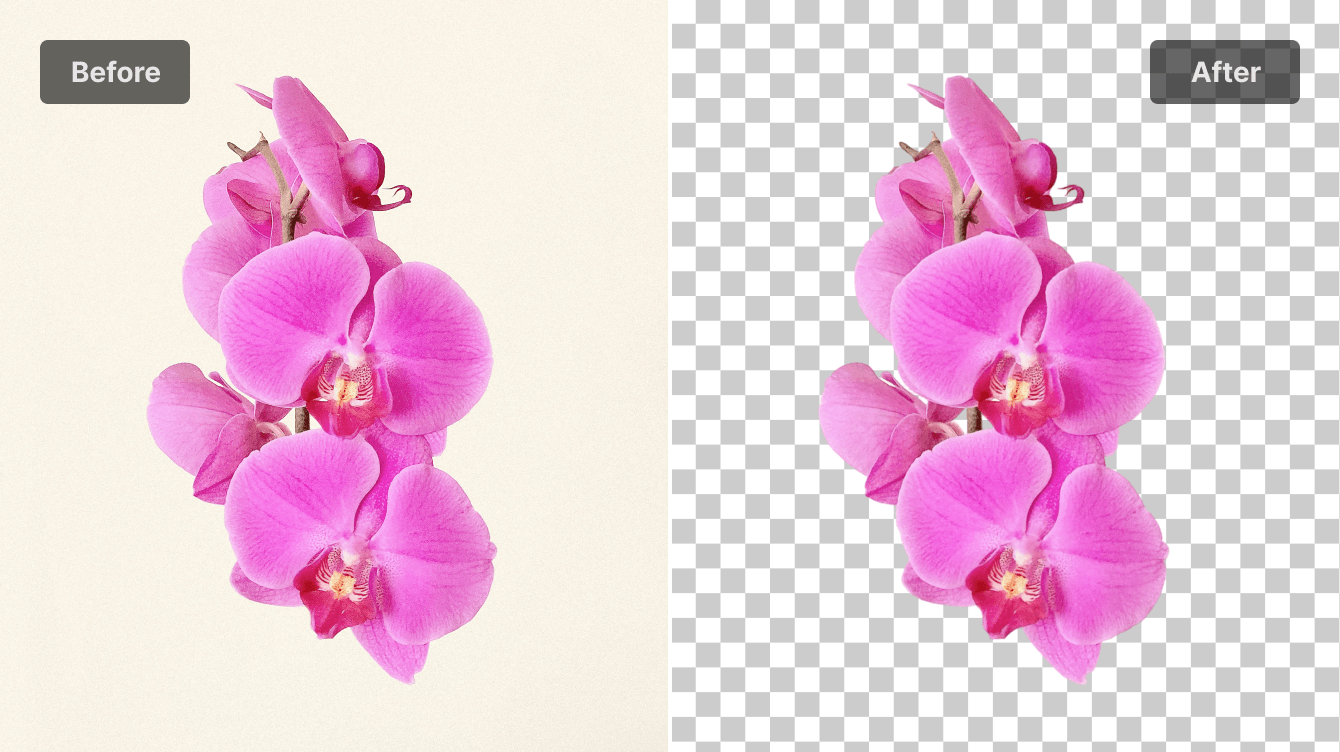
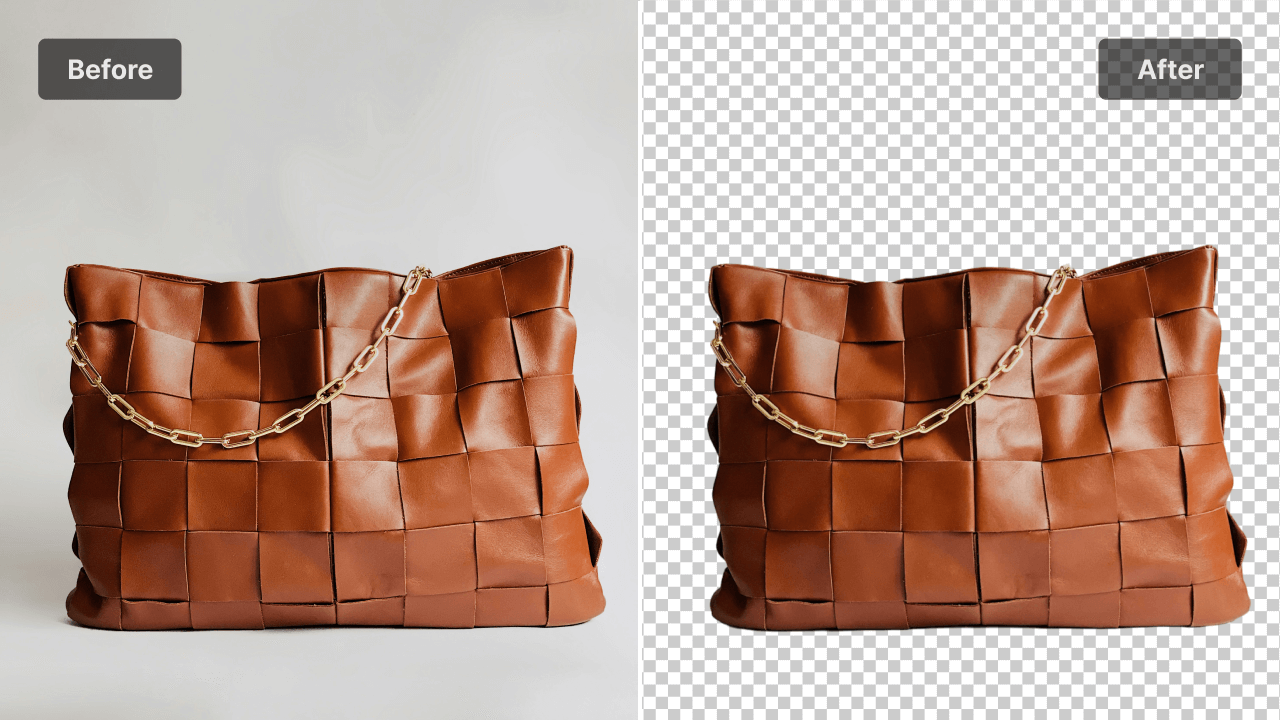
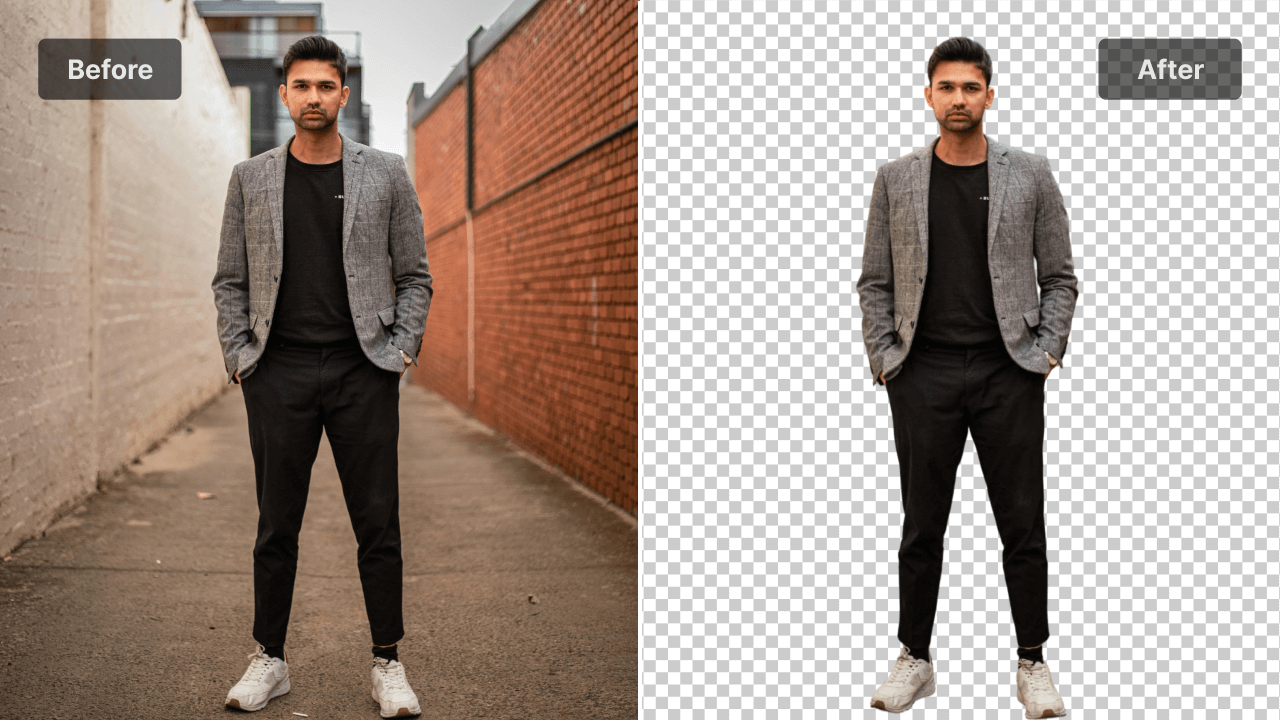
What You Can Do with the Background Remover

Ecommerce Product Cutouts

Marketing & Advertising Assets

Social Media Content Creation

Portrait & Headshot Isolation

Design & Creative Compositing

AI Background Replacement Prep
Why Our Background Remover Stands Out
Pixel-Perfect Cutouts
Hair & Edge Precision
Instant Background Removal
Auto Object Detection
Clean Transparent Outputs
Ready for Background Replacement
Understanding the Background Remover

Your Background Removal Workflow

Upload Your Image
Choose a JPG, PNG or HEIC file to begin. Clear edges and a well-lit subject help the system read the photo accurately.
Remove Background Automatically
The Background Remover instantly separates the subject, and you can refine the cutout or prepare it for a new background if needed.
Download Your Cutout
Save your image with a transparent background or continue adjusting until it fits your design, product visual or next creative project.
FAQ
How does this Background Remover compare to others?
A high-quality Background Remover combines accurate subject detection with natural edge handling. Our tool is designed to deliver reliable cutouts for both casual use and professional workflows.
How do I export an image with a transparent background?
The Background Remover isolates your subject and places it on a transparent layer automatically. You can keep the transparent version or add a new backdrop during further editing.
Can I remove a background directly from my phone?
You can upload any photo from your mobile device and the Background Remover will process it the same way it handles desktop uploads. The workflow remains simple and consistent across devices.
What is the process for changing the background?
Once the original background is removed, you can place your subject onto a new scene, use a solid color or pair it with curated visuals to match your project style.
Is background replacement available at no cost?
You can start with essential background removal and replacement features at no cost, and upgrade whenever you need more advanced editing options.

Begin Your Next Edit with the Background Remover
Isolate your subject and continue designing with clarity.