Free AI Image Upscaler

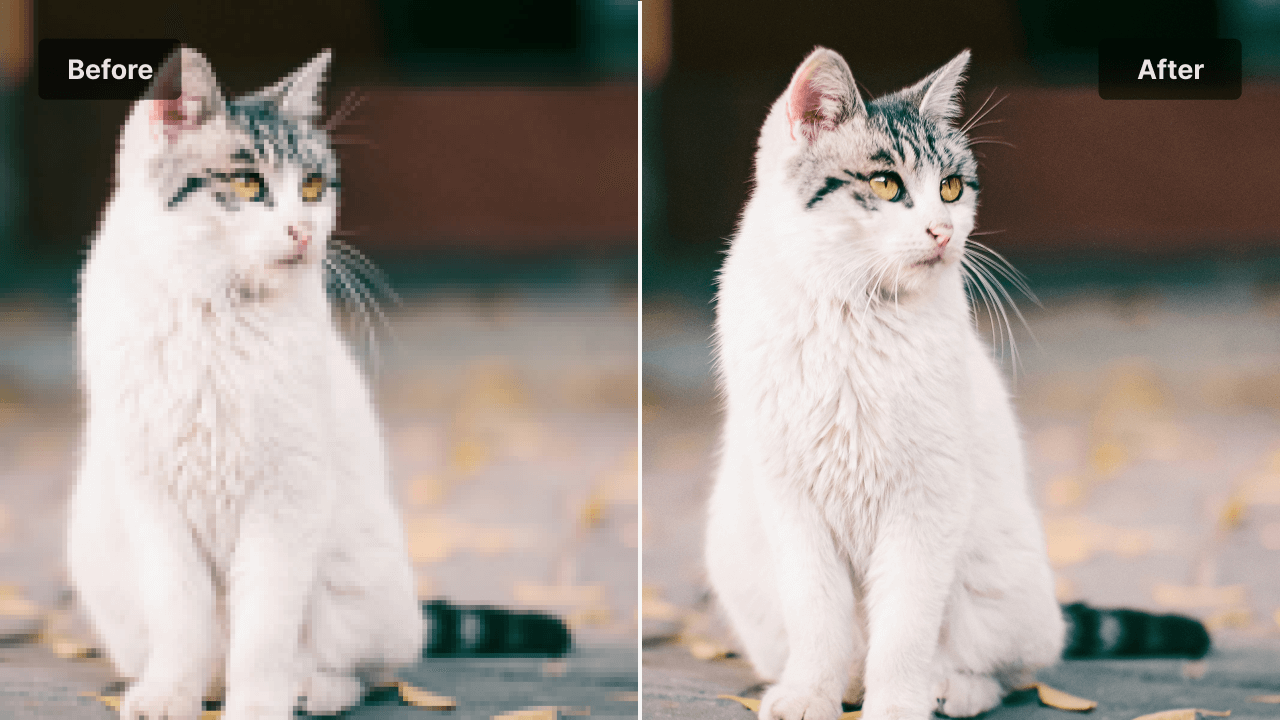
Blurry photos, pixelated product shots and low-resolution AI images can be fixed instantly.Upload your picture and watch it transform with true clarity and detail.

AI Image Upscaler

Click to upload the image file

Upload JPEG/PNG/JPG/WEBP/BMP images up to 10MB, with a minimum width/height of 300px.

Example

Transform Your Images with AI Upscaling

Mask group.png

Ecommerce Product Enhancement

Make your product photos look sharp and professional so customers can see every detail clearly. Clearer images build trust and help improve conversions.
Mask group-1.png

Old Photo Restoration

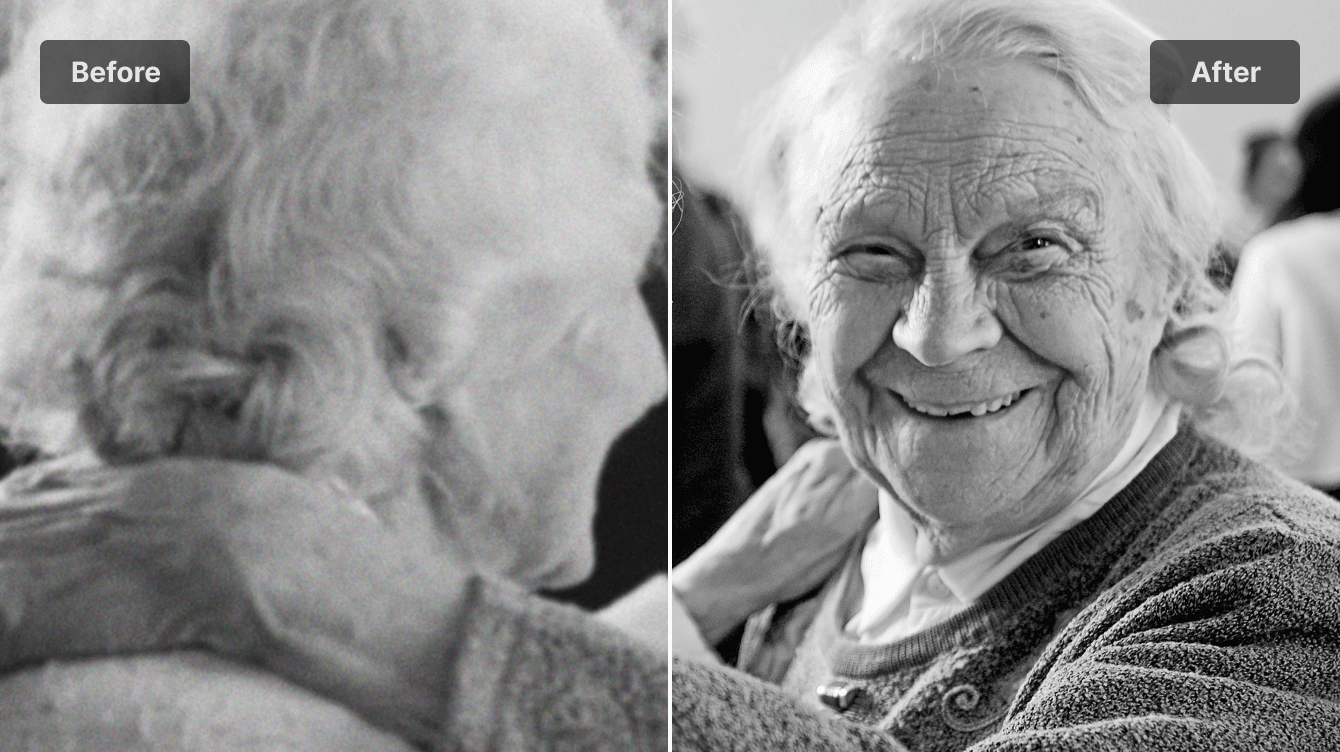
Bring memories back to life by enhancing scans of old or damaged photos. Recover faces, textures and small details that time has faded.
For Social Media Creators.png

Social Media Image Boosting

Give your content the clarity it deserves. Sharper posts attract more attention, look more polished and stand out immediately in busy feeds.
26.png

Design Asset Upscaling

Prepare graphics, illustrations and assets for print or high-resolution layouts. No more blurry edges or pixelated artwork in client projects.
27.png

AI Generated Image Refinement

Upscale outputs from tools like Midjourney, DALLE or SDXL so they look clean, detailed and ready for portfolios, posters or commercial use.
28.png

Logo and Graphic Resolution Upgrade

Enhance logos, icons and branding elements without losing crisp lines or color accuracy. Perfect for websites, packaging and marketing materials.

AI Image Upscaler Features

Faster AI Upscaling

Get clear and polished results in just a few seconds. No long waiting times and no complicated steps. Upload, process and download in one smooth flow.

Higher Resolution

Turn small, low quality images into sharp and detailed visuals that look ready for print, web or professional use. Your images gain new clarity without losing their original look.

Batch Upscaling

Enhance multiple images at once and save hours of manual work. Perfect for creators, sellers and teams who handle large sets of photos every day.

Integrated Image Editor

Make quick adjustments before or after upscaling. Crop, refine, retouch or fix small imperfections without switching tools or opening extra software.

Sharper Detail Recovery

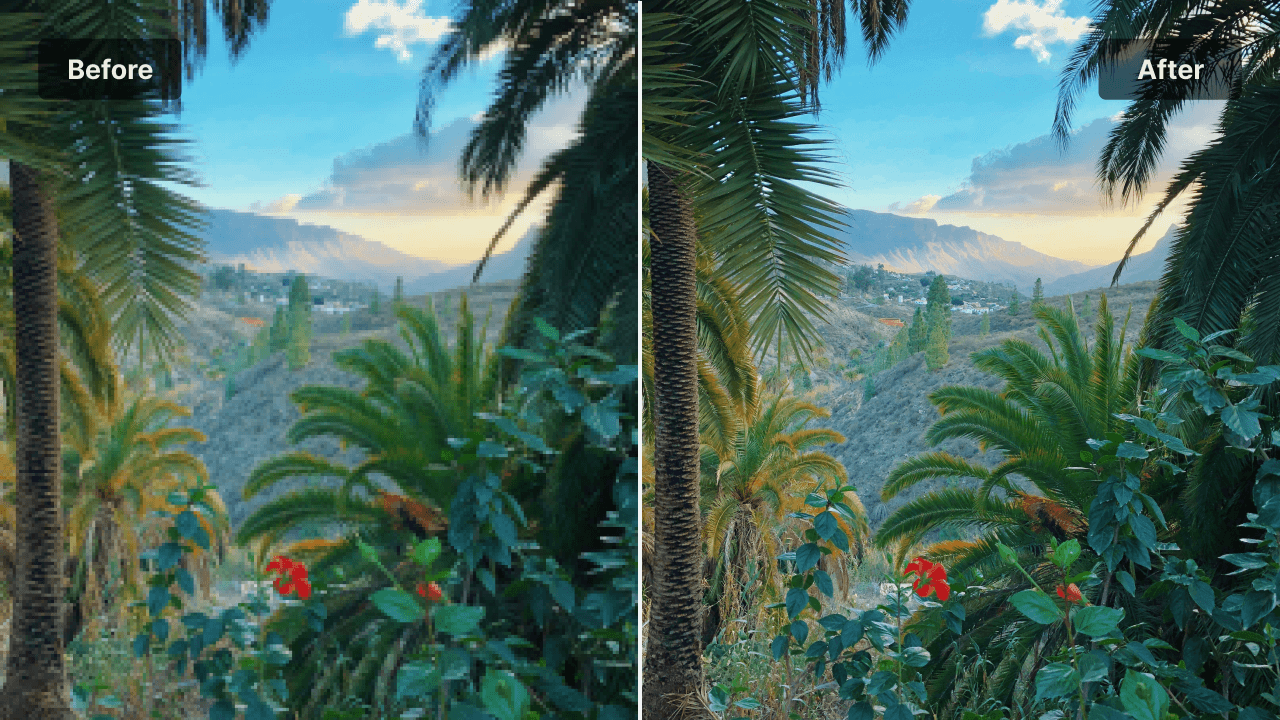
Restore edges, textures and fine details that were lost due to low resolution. Your images look cleaner, more defined and more lifelike.

Noise and Artifact Removal

Remove grain, compression marks and blurry patches that are common in old photos, screenshots and AI generated images. The result is a clean and smooth final image.

What is AI Image Upscaler?

An AI Image Upscaler is a tool that increases the resolution and clarity of an image using artificial intelligence. Instead of simply enlarging the picture, the AI studies patterns, textures and shapes inside the image and rebuilds missing details in a natural way. This makes low quality photos look clean and sharp again. Blurry edges become defined. Pixelated areas turn smooth. Faces, products and artwork regain the detail they were meant to have.
29.png

Upscale Your Image in 3 Steps

01

Upload your image

Pick the photo you wish looked clearer. A memory, a product, an artwork, anything you care about.

02

Watch clarity return

The AI studies every texture and edge then rebuilds the image with clean detail and natural sharpness.

03

Save the upgraded version

Preview the transformation and download the image that finally looks the way it should have from the start.

FAQ

What makes this AI upscaler different?

It enhances images in a way that feels natural. Details return smoothly and the improved version still looks like your original photo, just clearer.

What types of images work well?

Portraits, product photos, AI generated artwork, screenshots and old photos all benefit from an upgrade. Anything that would look better with more detail is a good fit.

Will the enhanced image look artificial?

The upscaling focuses on realistic detail and balanced sharpening. The result feels clean and believable instead of overly edited.

Can I use the improved images for my projects?

Yes. You can use your enhanced images for personal work, commercial product photos, social media posts, prints, designs or anything else you need.

Does the process take long?

Most images finish in a short moment. The enhancement begins immediately after upload and the final result appears quickly.

What happens to my images after I upload them?

Your images are processed securely and handled only for enhancement. They leave the system once the process is complete.

Call to Action

Ready to see your image at its best

Upload a photo and watch clarity return in moments.