

Best AI Image Generator in 2026: Which One Actually Delivers?
Updated: 2026-01-04 18:15:43
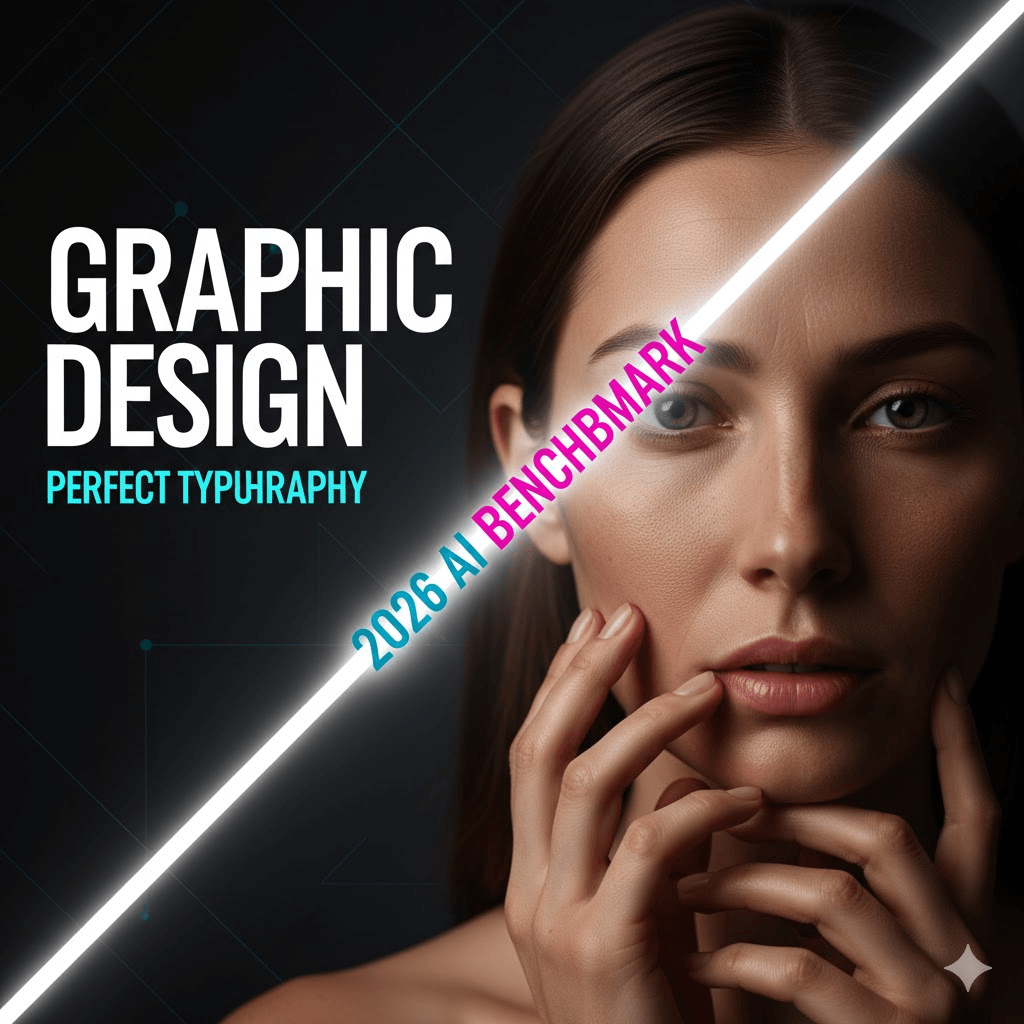
AI image generators finally crossed a line in 2026.Not in hype but in usability.
Text can actually render correctly. Hands mostly look human. Iteration no longer means rewriting prompts from scratch. And for the first time, different tools are clearly good at different jobs.
This guide breaks down which AI image generators actually deliver in real world use and which ones still look impressive in demos but fall apart when you rely on them day after day.
Started with the free trials, upgraded to paid plans, canceled subscriptions, went back, and tried everything from the hyped tools everyone talks about to some obscure ones you've probably never heard of.
This guide isn't going to tell you that one tool is perfect for everything. Because that's not how it works. What I will tell you is which tools are actually worth your time and money based on what you're trying to do.
Here's What's Changed Since Last Year
The AI image generation scene has shifted dramatically in the past 12 months. We're not just talking about incremental improvements, some of these updates fundamentally changed how these tools work:
March 2025: OpenAI quietly killed off DALL-E-3 and rolled image generation directly into GPT 4o. No more separate tool, no more back and forth between ChatGPT and DALL E. Just one conversation where you can generate and refine images naturally.
April 2025: Midjourney finally released v7 after over a year of silence. According to their CEO David Holz, it's a "totally different architecture" not just a tweaked version of v6. The difference is immediately noticeable, especially with hands and bodies (which, let's be real, have been AI's embarrassing weakness for years).
March 2025: Ideogram 3.0 came out and basically solved the text rendering problem. I mean actually solved it. You can now generate logos, posters, and marketing materials with readable text. About damn time.
There's also been some industry drama Disney, Universal, and Warner Bros all sued Midjourney over copyright stuff. Adobe Firefly, on the other hand, is positioning itself as the "safe" choice because they only trained on licensed Adobe Stock images. Keep that in mind if you're doing commercial work.
How I Actually Tested These
I'm not going to bore you with a super formal methodology section. Here's what I did:
I used the same handful of prompts across every tool. Some were simple ("modern coffee shop logo"), others were deliberately tricky ("cyberpunk street scene with neon signs in Japanese and English, rain on pavement"). I also threw in some tests that historically break AI, like asking for specific text on objects, or scenes with multiple people.
For each tool, I tracked:
- How many attempts it took to get something usable
- How much those attempts cost
- Whether the text was actually readable (spoiler: usually not, except Ideogram)
- If hands looked like hands (or like some alien tentacle situation)
- How long I spent fighting with the interface
I also paid attention to the stuff that doesn't show up in marketing materials like customer support quality, how often the service goes down, and whether the "unlimited" plans have hidden rate limits.
The results? Some tools are absolutely worth the hype. Others... not so much.
The Rankings: What Actually Works
- GPT 4o in ChatGPT Best for Most People
Here's the thing about GPT 4o: it's not technically DALL E 4, even though everyone keeps calling it that. OpenAI built image generation directly into the GPT 4o model instead of keeping it as a separate tool. This sounds like a technical detail, but it makes a huge difference in practice.
What makes it different:
The conversation aspect is what sets it apart. With DALL-E-3, you'd type a prompt, get an image, and if it wasn't right, you'd basically start over with a new prompt. With GPT 4o, you can just say "make the background darker" or "move the text to the left" and it remembers the context. It's way more intuitive.
The quality has improved noticeably too. OpenAI brought in over a hundred people to specifically point out when hands looked weird, faces were distorted, or proportions were off. It shows the outputs feel more natural.
The downsides:
It's slower than most other tools. Like noticeably slower. Where Midjourney might give you four variations in 20 seconds, GPT 4o takes 30~60 seconds for a single image. That's because it uses a different approach (autoregressive instead of diffusion, if you care about the technical stuff).
Also, the rollout has been messy. If you're not in the US, Canada, or UK, you might still be getting routed to the old DALL-E-3 model even with a Plus subscription. Check the bottom of your generated images if it says "Created with older image generation," you're not getting the new version yet.
Real test: I asked it to create a product photo of a smartwatch on a wooden desk with morning sunlight. It nailed the lighting, the depth of field looked professional, and even the text on the watch screen was sharp. Tried the same prompt in Midjourney v6 (not v7) and got beautiful artistic rendering but the watch itself looked a bit too stylized.
Pricing:
- Free: 15 images per day (though this seems to vary)
- Plus: $20/month
- Pro: $200/month (only worth it if you're generating hundreds of images daily)
Worth it if: You're already using ChatGPT for other stuff, you want to refine images through conversation, or you need something that understands complex multi object scenes.
- Midjourney v7 Still the Artist's Choice (With Caveats)
Midjourney v7 is gorgeous. Like, genuinely stunning. When it works well, the images have this quality that's hard to describe they just feel more like art than AI outputs. But there are some real issues you should know about before subscribing.
What's actually new in v7:
They rebuilt it from scratch with what David Holz called a "totally different architecture." The most obvious improvement is hands and bodies they finally look natural most of the time. Textures are richer, lighting is more sophisticated, and the overall coherence is noticeably better than v6.
Draft Mode is the feature I use most. It generates images about 10x faster at half the cost. The quality is rougher, but it's perfect for rapid iteration. You can even use voice input in Draft Mode on the web interface, which feels weirdly futuristic you just talk through ideas and watch images appear.
The personalization is mandatory now, which is both good and annoying. You have to rate 200 image pairs before you can even use v7. Takes about 5 minutes. After that, it learns your aesthetic preferences and supposedly gives you more relevant results. In practice, I found it helpful but not revolutionary.
The problems nobody talks about:
Customer support is legitimately bad. It's mostly untrained volunteers on Discord, and getting real help is nearly impossible. Multiple users have complained about being charged after canceling subscriptions with no way to resolve it.
The interface changes have been controversial. Features like "Vary Region" (the inpainting tool) basically disappeared or became impossible to find in the v7 UI. Tutorials show features that don't exist in the actual product, which is frustrating.
And then there's the legal stuff. Disney, Universal, and Warner Bros all sued Midjourney in 2025 for copyright infringement. If you're doing commercial work, that's something to consider.
My experience:
I asked it to create an "ethereal forest spirit with bioluminescent features, mystical atmosphere, cinematic lighting." The result was breathtaking way better than anything else I tested. The lighting effects, the textures, the overall mood... it's just in a different league aesthetically.
But when I tried to make a simple logo with text? Disaster. Even short words came out garbled. Had to switch to Ideogram for that.
Pricing:
- No real free tier (just a brief trial)
- Basic: $10/month (3.3 fast GPU hours)
- Standard: $30/month (15 fast GPU hours) this is the sweet spot
- Pro: $60/month if you need privacy mode
- Mega: $120/month for heavy users
Remember: Turbo jobs cost 2x, Draft Mode costs 0.5x
Worth it if: You're creating art, concept work, or anything where visual quality matters more than perfect prompt following. Not worth it if you need text in your images or reliable customer support.
- Ideogram 3.0 Finally, Text That Actually Works
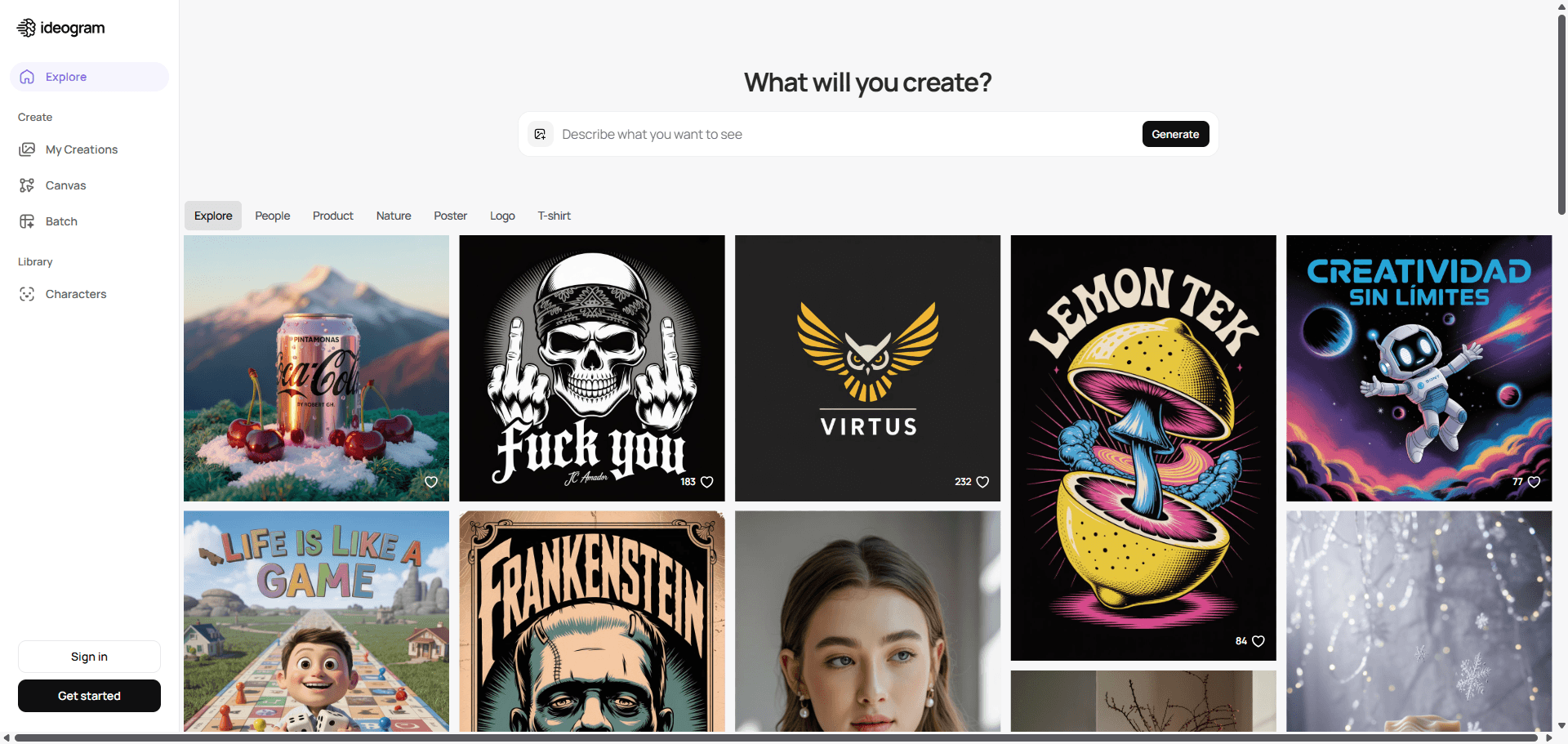
I'll cut to the chase: if you need text in your images, use Ideogram. Full stop. Nothing else comes close.
Why it's different:
The founders came from Google Brain and apparently decided to solve the one problem every other AI image generator sucks at: rendering text. And they actually did it. Ideogram 3.0 gets text right about 90% of the time, versus maybe 30~40% for Midjourney on a good day.
I tested this extensively. Asked for a coffee shop poster with "ARTISAN COFFEE" as the headline, "Locally Roasted Since 2020" as a subtitle, and menu items. Got back a professional looking poster with every single word spelled correctly. Tried the same in Midjourney got beautiful imagery with completely illegible text blobs.
The Style Reference feature is actually useful:
You can upload up to 3 images to guide the aesthetic. This sounds like a gimmick but it's surprisingly practical. I uploaded some brand photos and Ideogram matched the color palette and vibe without me having to write a novel of a prompt.
They also have this Random style feature that pulls from 4.3 billion presets. It's fun for exploration, though most of the time I just stick with the realistic or design styles.
Where it falls short:
Ideogram is noticeably weaker at artistic, stylized work compared to Midjourney. It's more of a design tool than an art tool. Also, when you try to generate multiple people in a scene, faces can come out weird slightly unnatural proportions, odd skin textures. Stick to single subjects or distant crowd shots.
The free tier is borderline useless 10 slow credits per week. You'll burn through that in one session. The Basic plan at $7/month is the real entry point.
Real test:
Created a vintage travel poster with "DISCOVER TOKYO" at the top and "Land of the Rising Sun" as subtitle. Ideogram nailed it clean typography, integrated naturally into the design, everything spelled correctly. Midjourney gave me a gorgeous artistic interpretation of Tokyo with completely unreadable text.
Pricing:
- Free: 10 slow credits/week (very limited)
- Basic: $7/month (100 priority credits) actual starting point
- Plus: $16/month (400 credits)
- Pro: $48/month (unlimited slow + 1,000 priority)
Worth it if: You're a designer, marketer, or anyone who needs logos, posters, social media graphics, or anything with text. Not worth it if you're focused purely on artistic or photographic work.
- Leonardo AI Best Free Option (Before Canva Absorbs It)
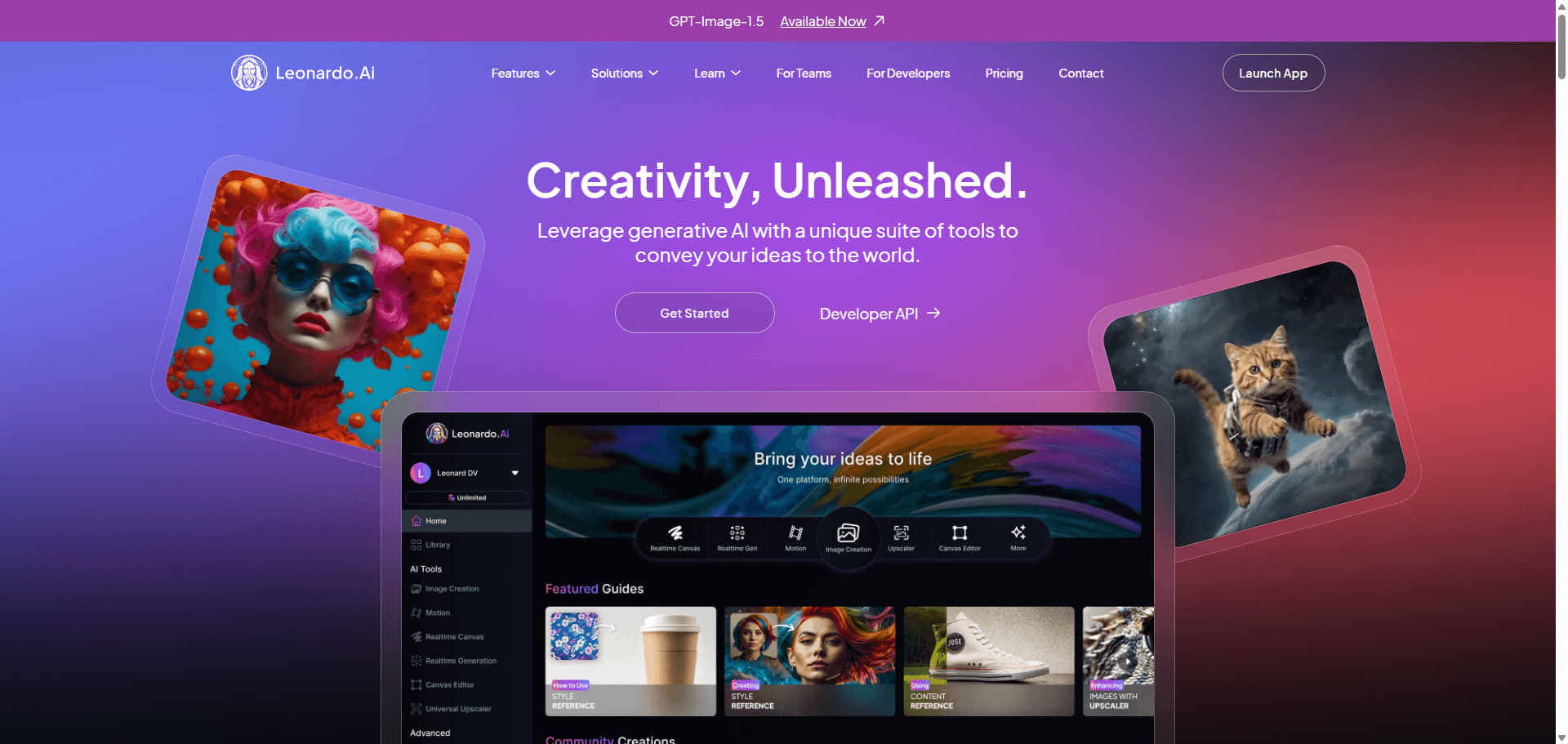
Leonardo has the best free tier, hands down. 150 tokens per day, which translates to roughly 15~30 images depending on the settings. That's generous enough to actually use the tool, not just test it once and give up.
What makes it interesting:
Canva bought Leonardo AI recently, so the future is a bit uncertain. For now, it's still operating independently with its own interface and features. They have 55+ million users, which tells you something.
The standout feature is the variety of AI models you can choose from. It's not just one model you can select different options optimized for realism, anime, 3D, etc. This flexibility is nice when you're experimenting.
The real-time canvas is pretty cool too. You can draw rough shapes and watch Leonardo turn them into actual images in near real time. It's not perfect, but it's genuinely useful for iterating on compositions.
The learning curve:
The interface is... a lot. There are tons of options, models, settings, and features. It's powerful, but overwhelming for beginners. Took me a good hour of clicking around to figure out where everything was.
Real test:
Generated a cyberpunk street scene with neon lights and rain. Result was solid good colors, nice atmosphere, decent detail. Not quite Midjourney level artistic quality, but totally usable, especially considering it was free.
The Canva acquisition:
This is the elephant in the room. Canva bought Leonardo, and while they say it'll continue as a standalone tool, we've all seen this before. My guess is it eventually gets absorbed into Canva's ecosystem. Use it while it's still independent if you want access to all the features.
Pricing:
- Free: 150 tokens daily (genuinely usable)
- Apprentice: $10/month
- Artisan: $24/month
- Maestro: $48/month
Worth it if: You're on a tight budget but want decent quality, or you're exploring AI image generation and want to test extensively before committing to a paid tool. The free tier alone makes it worth creating an account.
- Stable Diffusion For the Tech Savvy (and Patient)
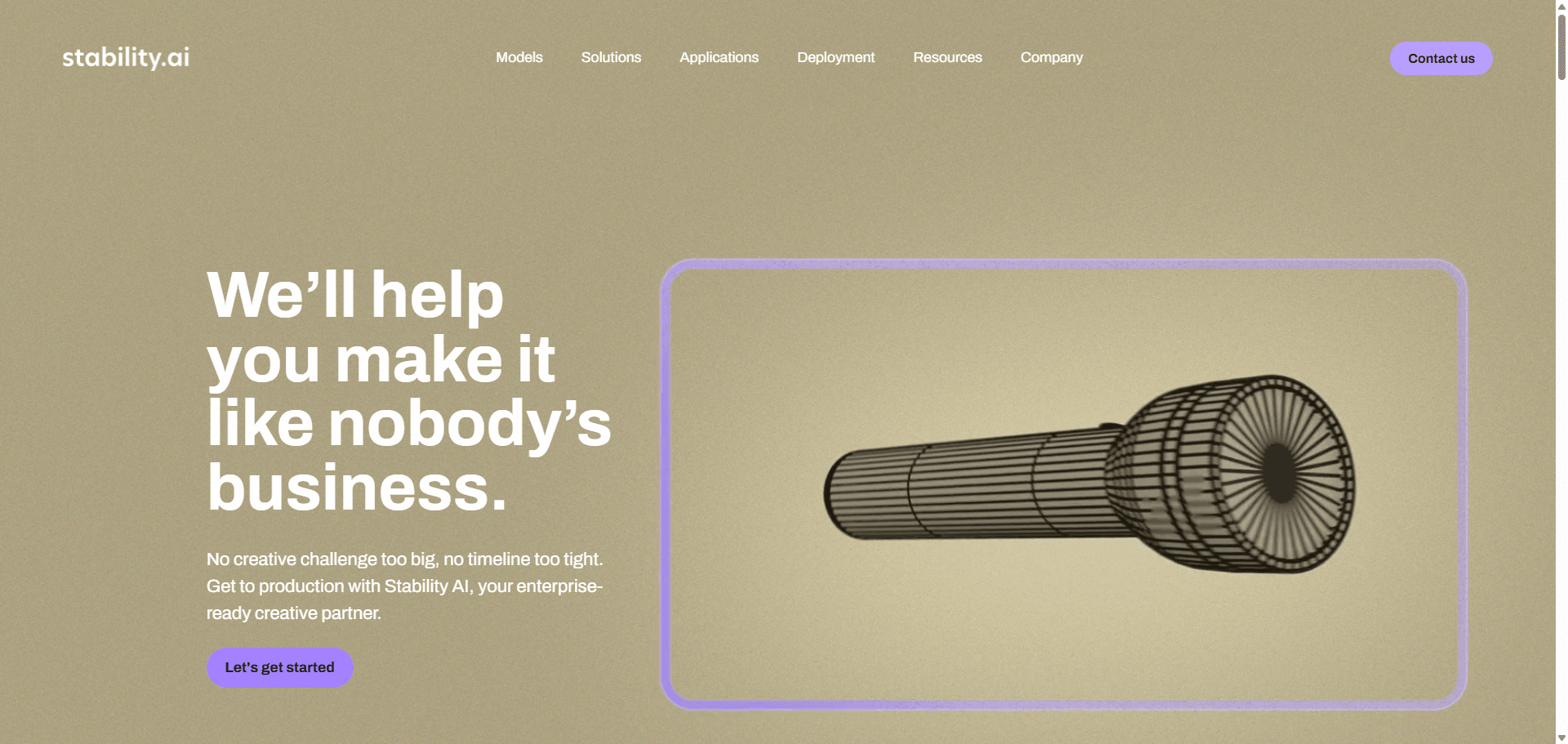
If you're comfortable with some technical setup, Stable Diffusion is hard to beat. It's completely free if you run it locally, and you have total control over everything.
The catch? You need a decent GPU (RTX 3060 or better), you have to install it yourself, and there's a learning curve. I spent an entire afternoon getting it set up for the first time. But once it's running, you can generate unlimited images without paying anyone.
The other option is using DreamStudio (the web interface), which costs $10 for 1,000 credits after your free 25. Still cheaper than most alternatives.
Worth it if: You're technical, want unlimited free generation, care about privacy, or need fine control through LoRAs and custom models.
- Adobe Firefly The "Legally Safe" Option
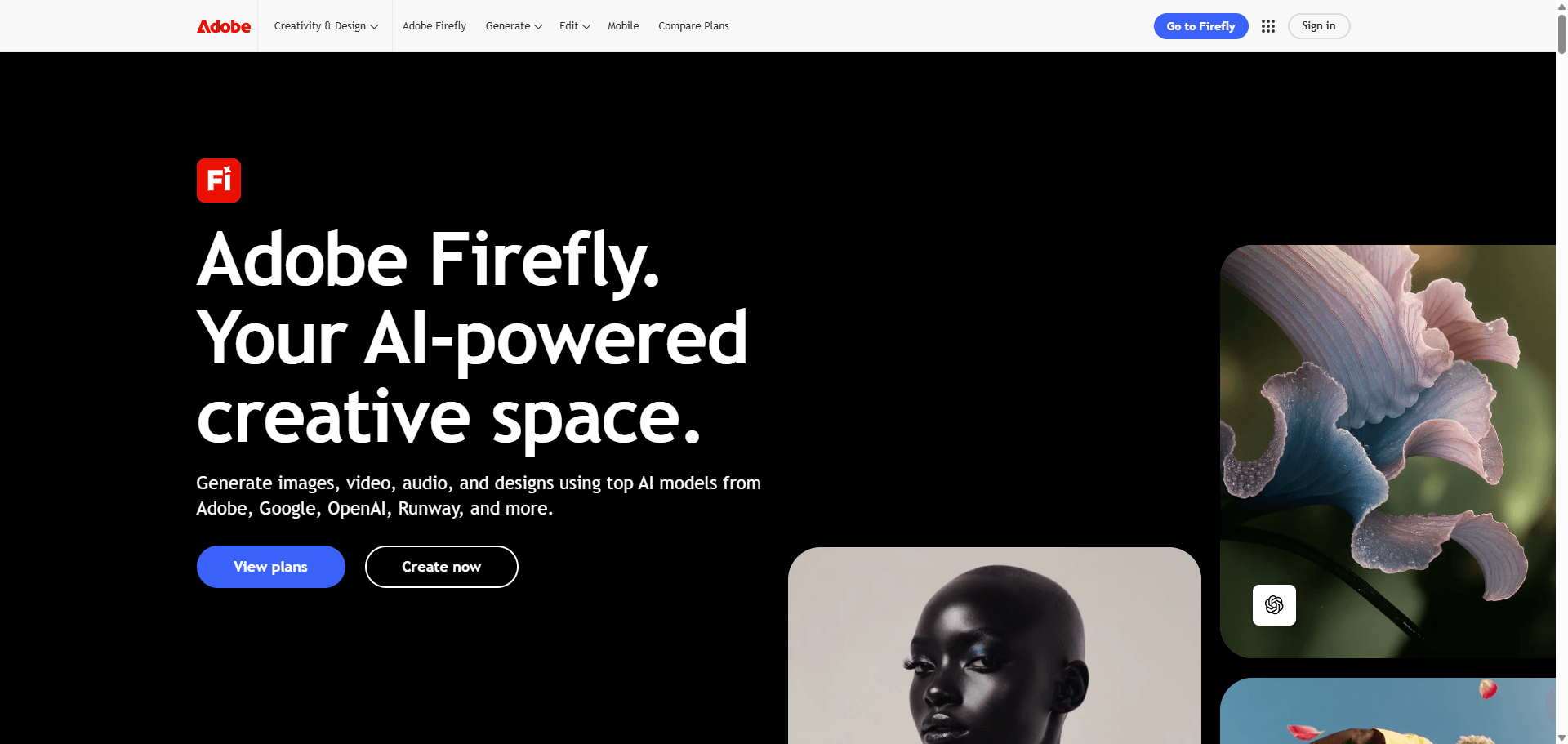
Adobe trained Firefly exclusively on Adobe Stock images they have rights to. This makes it the safest choice for commercial work where you're worried about legal issues.
The integration with Photoshop and Illustrator is seamless if you're already in that ecosystem. Generative Fill (the inpainting feature) is legitimately impressive.
Quality wise, it's good but not amazing. Definitely behind Midjourney artistically. But the legal clarity might be worth the trade off for corporate work.
Free tier is limited, but it's included with Creative Cloud subscriptions, so if you're already paying Adobe, it's essentially free.
Worth it if: You need legal certainty, you're already using Adobe tools, or you're doing commercial work for risk averse clients.
- Canva AI Easiest for Non Designers
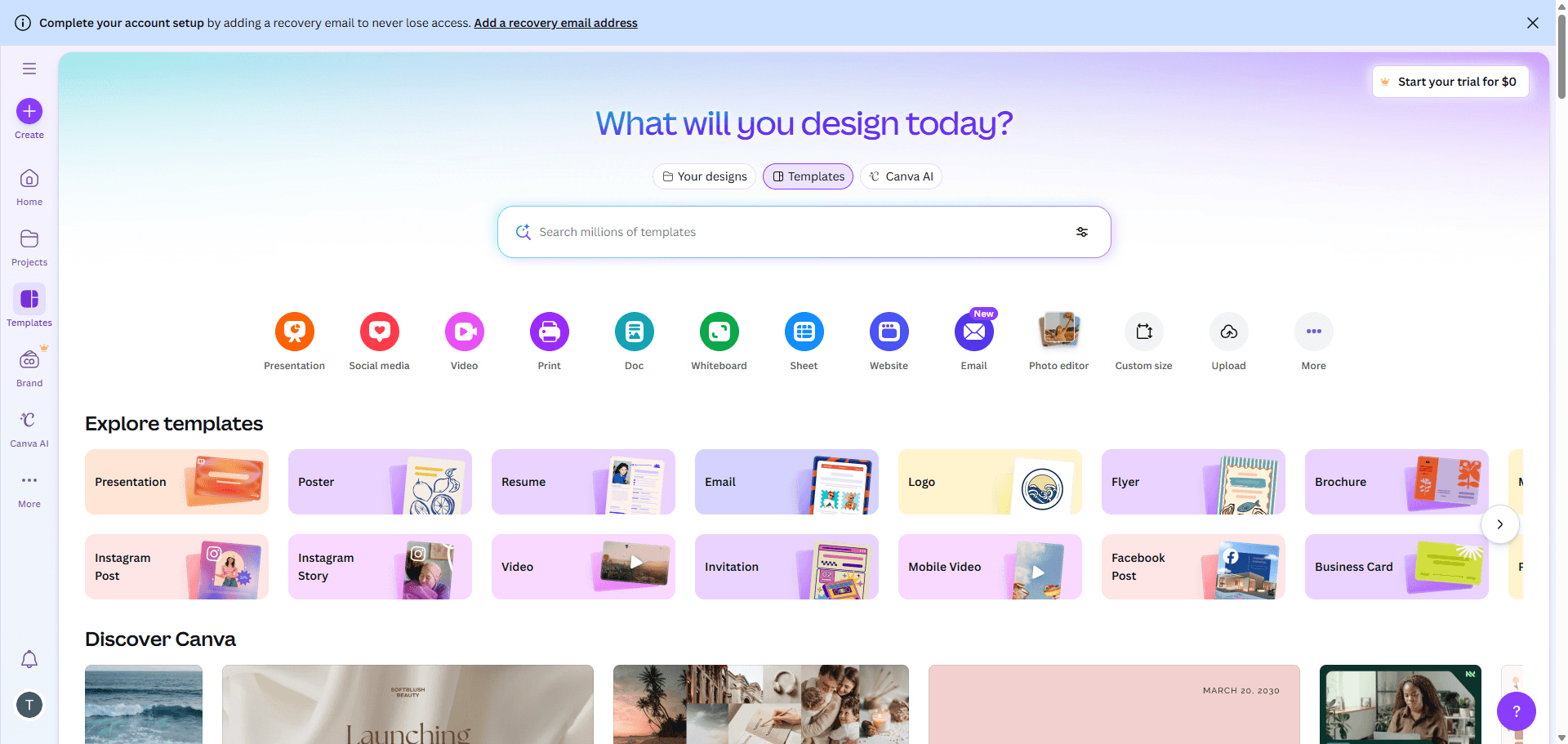
Canva's AI features (Magic Media and Create an image) are built right into their design platform. Zero learning curve if you already use Canva.
Quality is decent for social media content, though not professional grade. It's more about convenience than cutting edge results.
At $12.99/month, it's a good deal if you're already using Canva for design work anyway. Less appealing as a standalone AI image generator.
Worth it if: You're a social media manager, small business owner, or anyone who lives in Canva already.
The Rest: Worth Mentioning
Microsoft Designer (Bing Image Creator): Completely free, powered by DALL E tech. Quality is meh, but you can't argue freely. Good for quick tests.
NightCafe: Lets you try multiple AI models (Stable Diffusion, DALL E, etc.) in one place. Has a community aspect with challenges. The interface feels a bit dated.
Artbreeder: Specialized for character and portrait generation using a "breeding" approach. Interesting for character design but narrow focus.
DeepAI: Basic free option that doesn't require signup. Fine for quick tests but nothing special.
Quick Pricing Reality Check
Here's what you'll actually pay for decent access (not the misleading "starts at" pricing):
| Tool | Free Option | Realistic Paid | Monthly Cost | My Take |
| Leonardo AI | 150 tokens/day | Free works | $0 | Start here |
| Ideogram | 10/week (weak) | Basic needed | $7 | Worth it for text |
| GPT 4o | 15/day | Plus for real use | $20 | If using ChatGPT anyway |
| Midjourney | Trial only | Standard minimum | $30 | Pricey but stunning |
| Stable Diffusion | Unlimited* | Free* | $0* | *If you have GPU |
| Adobe Firefly | Very limited | Included in CC | $4.99+ | Great if in Adobe ecosystem The sweet spot for most people: Leonardo free + Ideogram Basic ($7) = $7/month total. |
Which One Should You Actually Use?
Forget the corporate use cases. Here's what actually works:
If you just want to try AI image generation
Leonardo AI (Free)
150 daily tokens is enough to properly test the technology. Don't pay for anything until you've used this extensively.
If you're making social media content
Leonardo AI (Free) until you hit limits, then Canva Pro ($12.99)
Why pay for standalone image generation when Canva gives you design tools + AI? Unless quality is critical, this combo handles most social media needs.
If you're a designer who needs logos/text
Ideogram 3.0 ($7/month minimum)
Nothing else can do text properly. Period. Midjourney is gorgeous but can't spell. GPT 4o is smart but text is hit or miss. Ideogram just works.
If you're an artist or doing creative work
Midjourney v7 ($30/month for Standard)
Yeah, it's expensive. Customer support sucks. Interface is weird. But the artistic quality is unmatched. If visual quality matters more than anything else, this is it.
If you're technical and want to experiment
Stable Diffusion (Free, self hosted)
One weekend of setup gets you unlimited free generation forever. Plus complete privacy and control. But you need a decent GPU and patience for the learning curve.
If you're already using ChatGPT for everything
Just add GPT 4o (included in $20 Plus subscription)
The conversational approach is genuinely better for iteration. And if you're already paying for Plus, the image generation is essentially free.
If you're doing commercial work and worried about lawsuits
Adobe Firefly
It's the only major tool trained exclusively on licensed content. May not be the prettiest, but it's the safest legally.
What's Actually Changed in 2026
A few things happened that actually matter (not just marketing hype):
- Text rendering got solved Ideogram 3.0 basically fixed the text problem. You can now create logos and posters with readable text. Took long enough.
- GPT 4o integrated image generation OpenAI killed DALL E and built image generation directly into GPT 4o. Sounds technical, but it means you can refine images through conversation instead of rewriting prompts from scratch. Way more intuitive.
- Midjourney rebuilt everything v7 uses a completely different architecture. The results are noticeably better, especially for hands and bodies (which used to look horrifying).
- Voice input became a thing Midjourney's Draft Mode lets you literally talk through ideas. Feels weird at first, but it's actually faster for iteration.
- The lawsuit wave Disney, Universal, and Warner Bros all sued Midjourney. Adobe positioned Firefly as the "safe" alternative with licensed training data. If you're doing commercial work, this matters.
Actually Useful Tips (Not Generic Prompt Advice)
Stop over prompting
Everyone makes this mistake. They write: "Create a beautiful, stunning, amazing, photorealistic, high quality, ultra detailed, professional, breathtaking..."
The AI doesn't care about adjectives piled up like that. Just be specific: "Portrait, studio lighting, 85mm lens, neutral background"
That works better.
Use the right tool for the job
I see people fighting with Midjourney trying to get readable text, or using Ideogram for artistic portraits. Stop. Each tool has strengths:
- Text in images? Use Ideogram
- Artistic quality? Use Midjourney
- Conversational refinement? Use GPT 4o
- Unlimited experimentation? Use Leonardo free tier or Stable Diffusion
Trying to force one tool to do everything is frustrating.
The Draft → Refine workflow
Don't try to get perfection on the first attempt. Instead:
- Generate 5~10 quick variations (use Draft Mode if available)
- Pick the best one
- Refine it with specific improvements
- Upscale final version
Way faster than trying to write the perfect prompt.
Reference images are underrated
Most tools now let you upload reference images. This is way more efficient than trying to describe a style in words.
Instead of: "Art deco style with geometric patterns, gold and black color scheme, 1920s aesthetic..."
Just upload an art deco reference image. Done.
Aspect ratios matter more than you think
Don't generate everything as squares. Match the aspect ratio to where you'll actually use it:
- 9:16 for mobile/stories
- 16:9 for desktop/YouTube thumbnails
- 4:5 for Instagram feed
- 1:1 for profile pics
Most tools let you specify this upfront.
Technical Specifications Comparison
Generation Speed
| Tool | Average Time | Draft Mode | Batch Generation |
| GPT 4o | 30~60s | No | No |
| Midjourney v7 | 15~30s | 3~5s | Yes (4) |
| Ideogram 3.0 | 20~40s | No | Yes (up to 10) |
| Leonardo AI | 10~20s | Yes | Yes |
| Stable Diffusion | 5~15s* | Yes *Depends on local hardware |
Resolution Options
- GPT 4o: 1024x1024, 1792x1024, 1024x1792
- Midjourney: Up to 2048x2048 (after upscaling)
- Ideogram: Multiple aspect ratios including 3:1, 1:3
- Leonardo: Customizable up to 4K
- Stable Diffusion: Unlimited (hardware dependent)
Model Architectures
- GPT 4o: Omnimodel (unified multimodal)
- Midjourney v7: Proprietary new architecture
- Ideogram 3.0: Trained from scratch, optimized for text
- Stable Diffusion: Latent diffusion model
- Adobe Firefly: Diffusion model on licensed data
Questions People Actually Ask
Is this stuff even legal?
Short answer: Yes, but it's complicated.
Creating AI images is legal. Using them commercially is usually fine, but check the specific tool's terms. The lawsuits you've heard about (Disney vs. Midjourney, etc.) are about training data, not whether you can use the outputs.
If you're doing commercial work for a big client, Adobe Firefly is the safest bet because they only trained on licensed content. For personal projects or social media, you're probably fine with any of the major tools.
Will AI replace designers and photographers?
It'll replace some work, not people.
AI won't replace:
- Custom product photography (you still need real products in real lighting)
- Brand photography requiring specific people/locations
- Work that needs deep brand understanding and strategy
AI will replace:
- Generic stock photography
- Concept mockups
- Social media backgrounds
- Quick visual assets
Think of it as replacing stock photography, not photographers.
How can I tell if something is AI generated?
In 2026, it's getting harder. Some tells:
- Text is wrong Except in Ideogram, text is usually garbled
- Weird hands Still the #1 giveaway, though v7 fixed most of this
- Impossible lighting Sometimes the light sources don't make physical sense
- Repetitive patterns Wallpaper or fabric patterns get weird on close inspection
- Too perfect Sometimes things are almost TOO clean and composed
That said, the gap is closing fast. In another year, detection might be nearly impossible.
Which tool for complete beginners?
Start with Leonardo AI's free tier. 150 tokens per day, no credit card, decent quality. Use it for a week or two.
Then:
- If you need text in images → Ideogram ($7/mo)
- If you're making art → Midjourney ($30/mo)
- If you're using ChatGPT already → GPT 4o Plus ($20/mo)
Don't start with Midjourney the Discord interface is confusing for newcomers. Don't start with Stable Diffusion the setup is too technical.
What about commercial use?
Most tools allow commercial use on paid plans, but read the terms:
✅ Clear for commercial:
- Adobe Firefly (safest legally)
- GPT 4o (per OpenAI terms)
- Leonardo AI
- Ideogram
- Canva AI
⚠️ Check your plan:
- Midjourney (need Standard or higher, not Basic)
- Stable Diffusion (depends on the model checkpoint's license)
Always save your prompts and generation logs in case there's ever a dispute.
How much should I actually budget?
Realistic monthly costs:
$0 option: Leonardo free + Microsoft Designer
- Works for: Social media, personal projects, testing
- Limitation: Volume caps, can't do everything
$7~20 option: Ideogram Basic + GPT 4o Plus (if using ChatGPT)
- Works for: Most freelancers, small businesses
- Limitation: Not enough for heavy artistic work
$30~50 option: Add Midjourney Standard
- Works for: Professional designers, content creators
- Limitation: Getting expensive for side projects
Reality check: Most people don't need more than $7~20/month. The premium tools are gorgeous but not essential unless image quality is your primary product.
Can I train my own model?
Sort of. Here are your options:
Consumer level:
- LoRAs for Stable Diffusion Train on 20~50 images, takes 1~4 hours, needs decent GPU
- Leonardo custom models Platform handles the training
- DreamBooth Character consistency training
You're not training a model from scratch (that costs millions). You're fine tuning existing models for specific styles or subjects.
Practical uses:
- Consistent brand imagery
- Character designs for games/comics
- Specific artistic styles
Requirements:
- 20~100 training images (more is better)
- GPU with 8GB+ VRAM for local training, or pay for cloud
- Basic technical knowledge
- Patience
What's coming next?
Based on what I've seen:
Soon (next 6 months):
- Video generation gets way better (Midjourney teased this)
- Better 3D object support
- Faster generation speeds across the board
Within a year:
- Native video and 3D in major tools
- Even better anatomical accuracy (hands should be completely solved)
- More voice input options
The pattern: Big improvements every 3~6 months. What's cutting edge today will be standard by summer.
Bottom Line
Look, there's no single "best" AI image generator. Anyone who tells you otherwise is either lying or selling something.
Here's what actually works:
If you're just starting: Use Leonardo AI's free tier for a week. If you like it and need text, add Ideogram for $7. That's it. Don't overcomplicate it.
If you're a designer: You need Ideogram for text. No way around it. Maybe add GPT 4o Plus if you're already using ChatGPT.
If you're an artist: Midjourney v7 is the best looking option, but it's expensive and the customer support sucks. You've been warned.
If you're technical: Just install Stable Diffusion and save yourself the monthly fees. Yeah, it's a pain to set up, but it's worth it.
If you're doing commercial work for big clients: Use Adobe Firefly. It's the only tool with clear legal protection on training data.
Technology is getting better fast what's impressive today will be baseline in six months. Don't overthink the decision. Pick something, learn it, and upgrade when you hit its limits.
And for the love of everything, stop trying to get Midjourney to spell words correctly. It can't. Use Ideogram for that.
A Few Final Thoughts
I've been using these tools almost daily for months now. The hype is real AI image generation has become legitimately useful. But it's not magic.
You'll still need to:
- Iterate on prompts (nothing works perfectly the first time)
- Learn each tool's strengths and weaknesses
- Combine multiple tools for best results
- Accept that some things just won't work yet
The most important skill isn't picking the "best" tool. It's learning to prompt effectively and knowing which tool to use for what.
Start with free options. Learn the basics. Then invest in paid tools when you know what you actually need.
And keep checking back this stuff changes every few months. What I recommend today might be outdated by summer.